.svg)
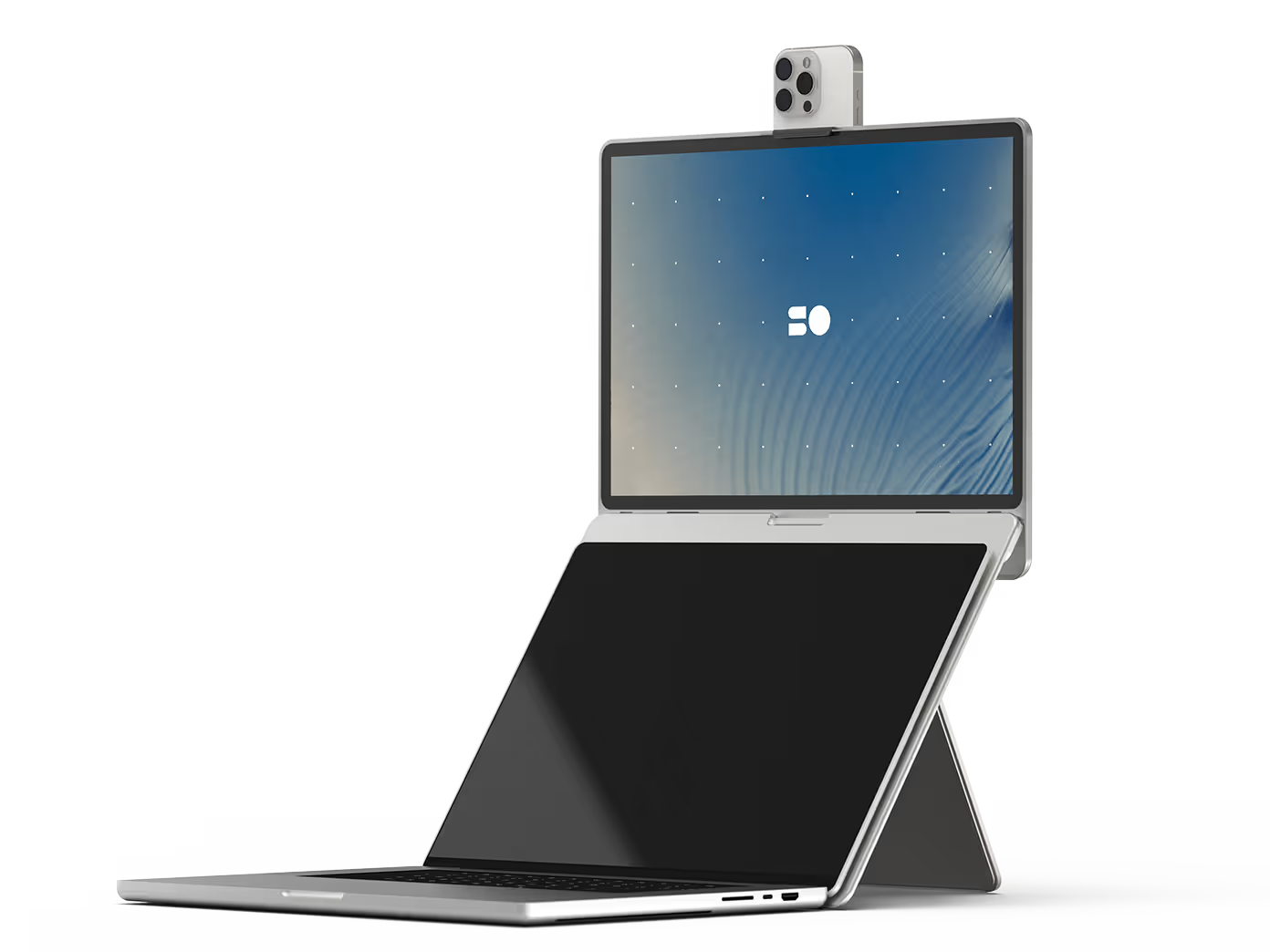
First premium mobile display.
Designed for your MacBook.
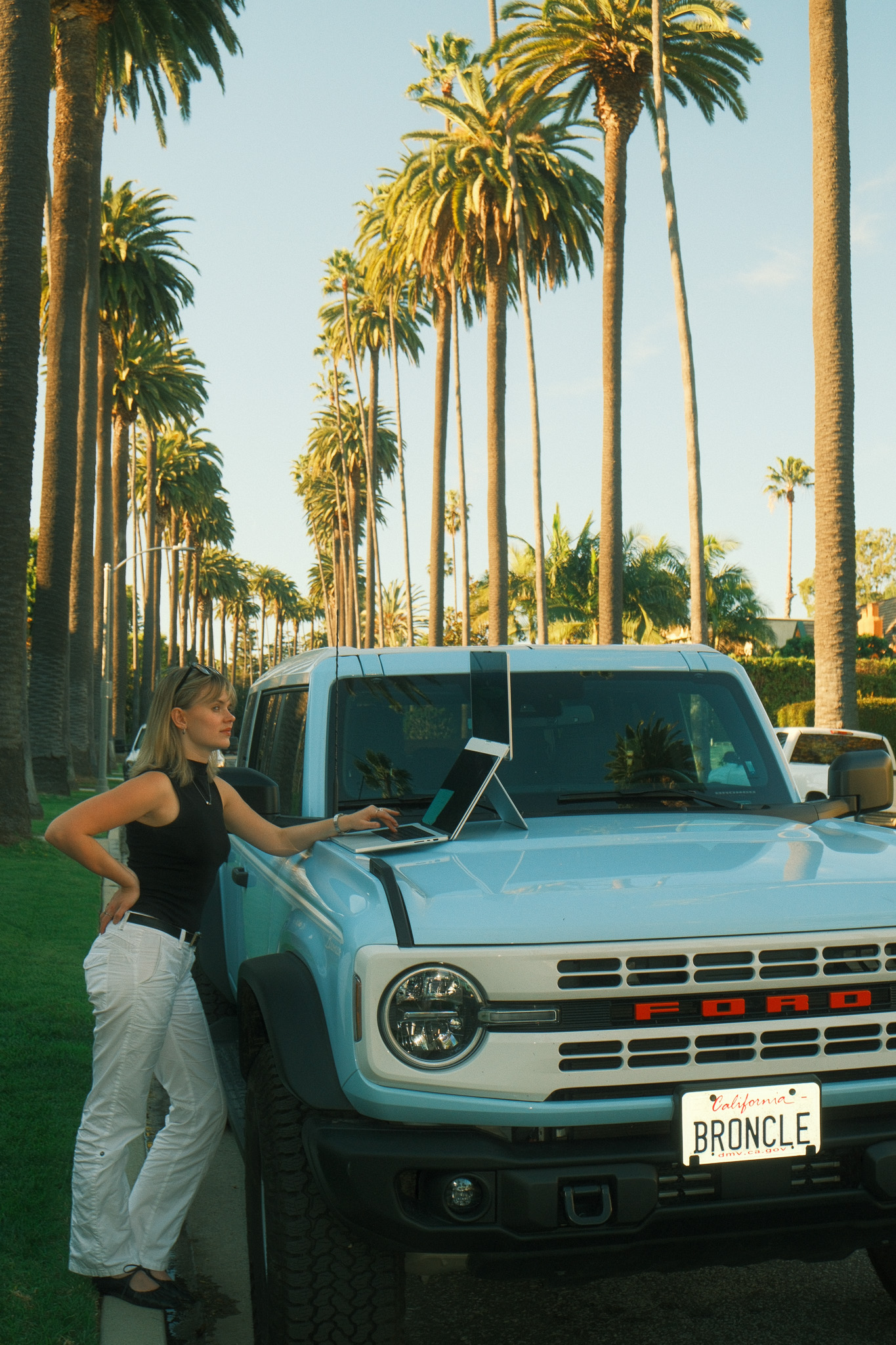
Made to move with you.
PATENT PENDING
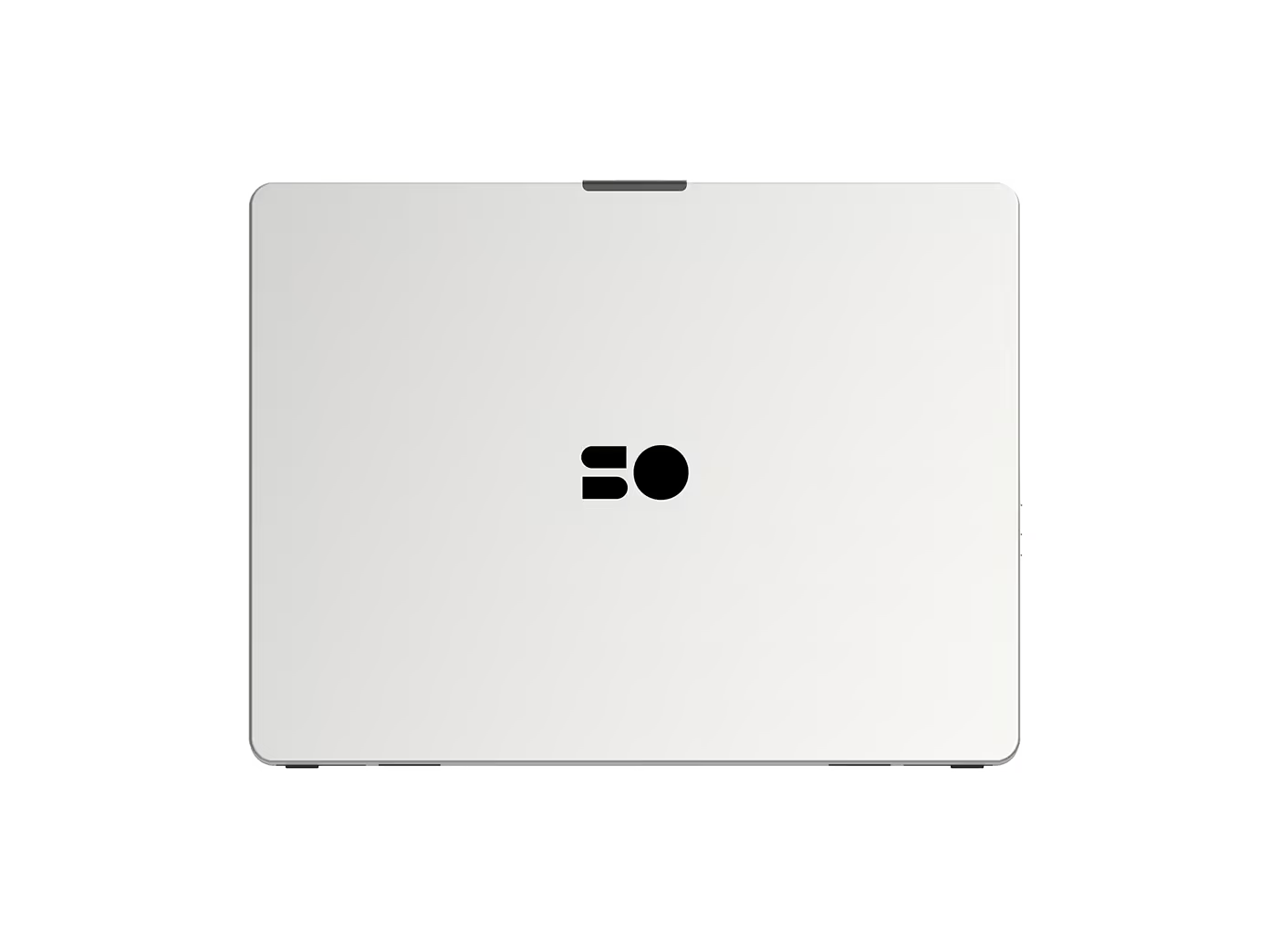
Closed
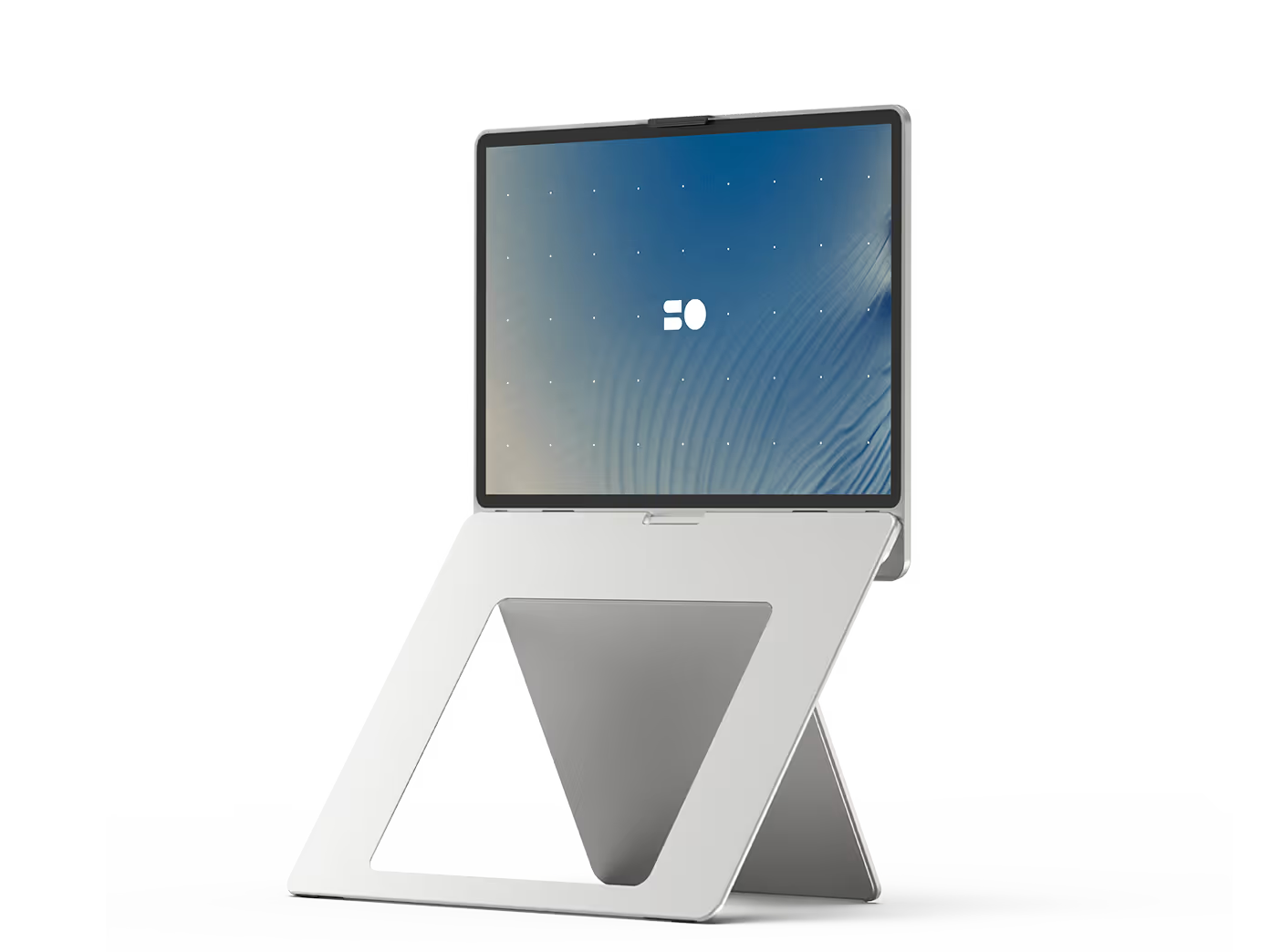
Open
Connected
Closed
Open
Connected
Closed
Open
Connected
Closed
Open
Connected
"It is an excellent design..."


Built for movement.
Designed for flow.
Instant setup.
No clunky stands or parts, just one simple slide.
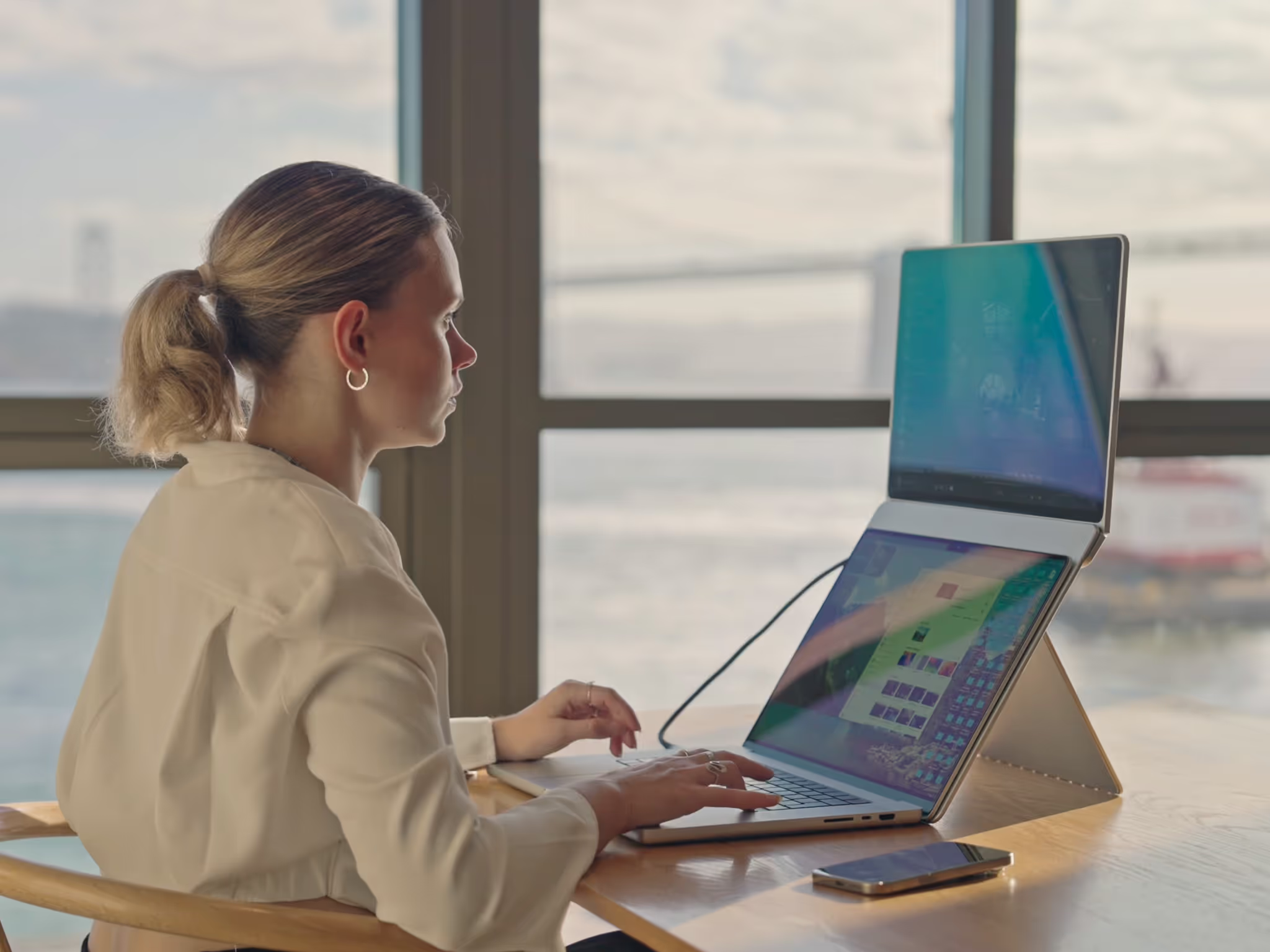
Ergonomic by design.
Improve posture and productivity.
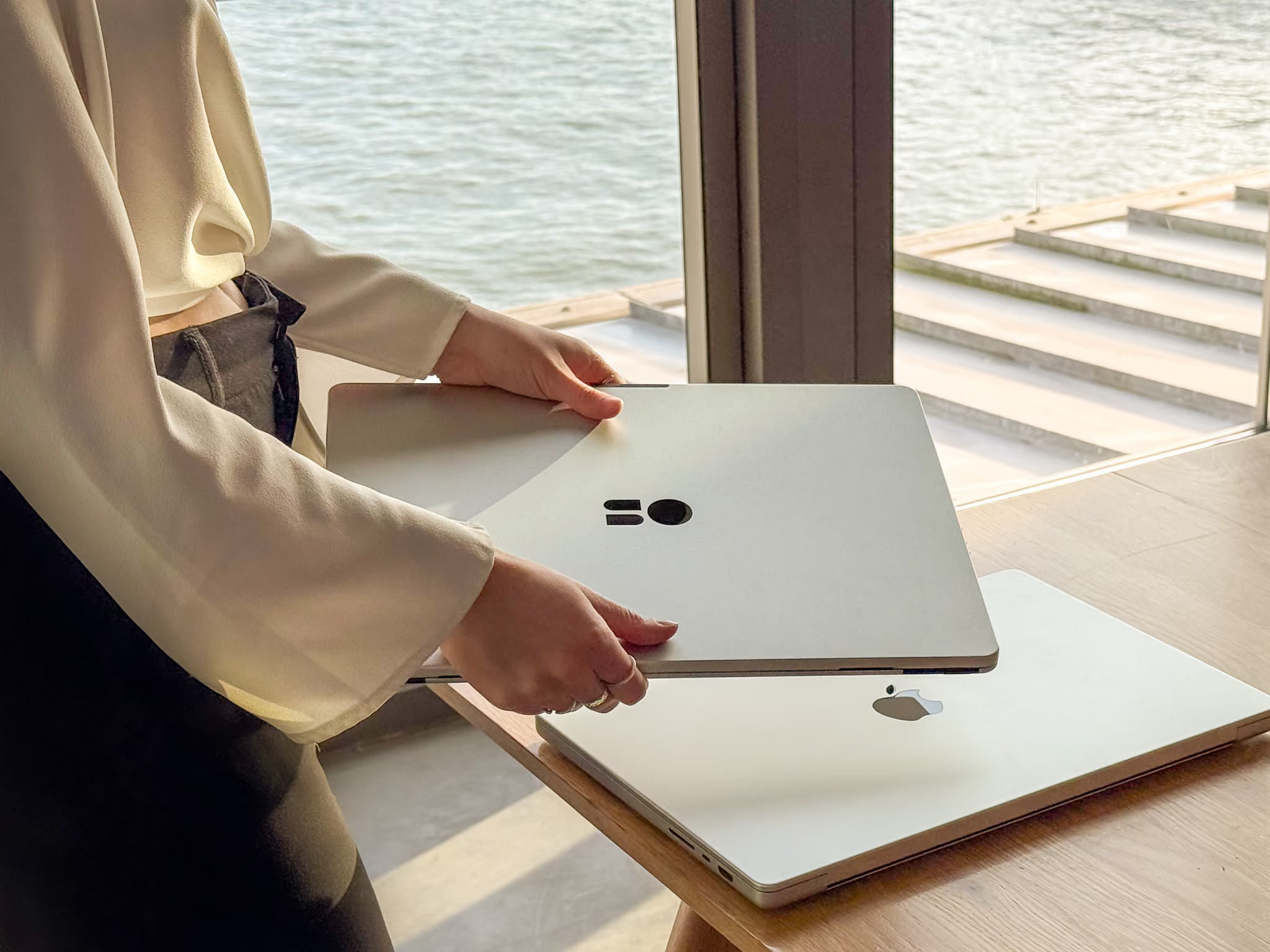
Sleek premium feel.
Carefully refined and built to last.
Elegance and simplicity powered by precision engineering.
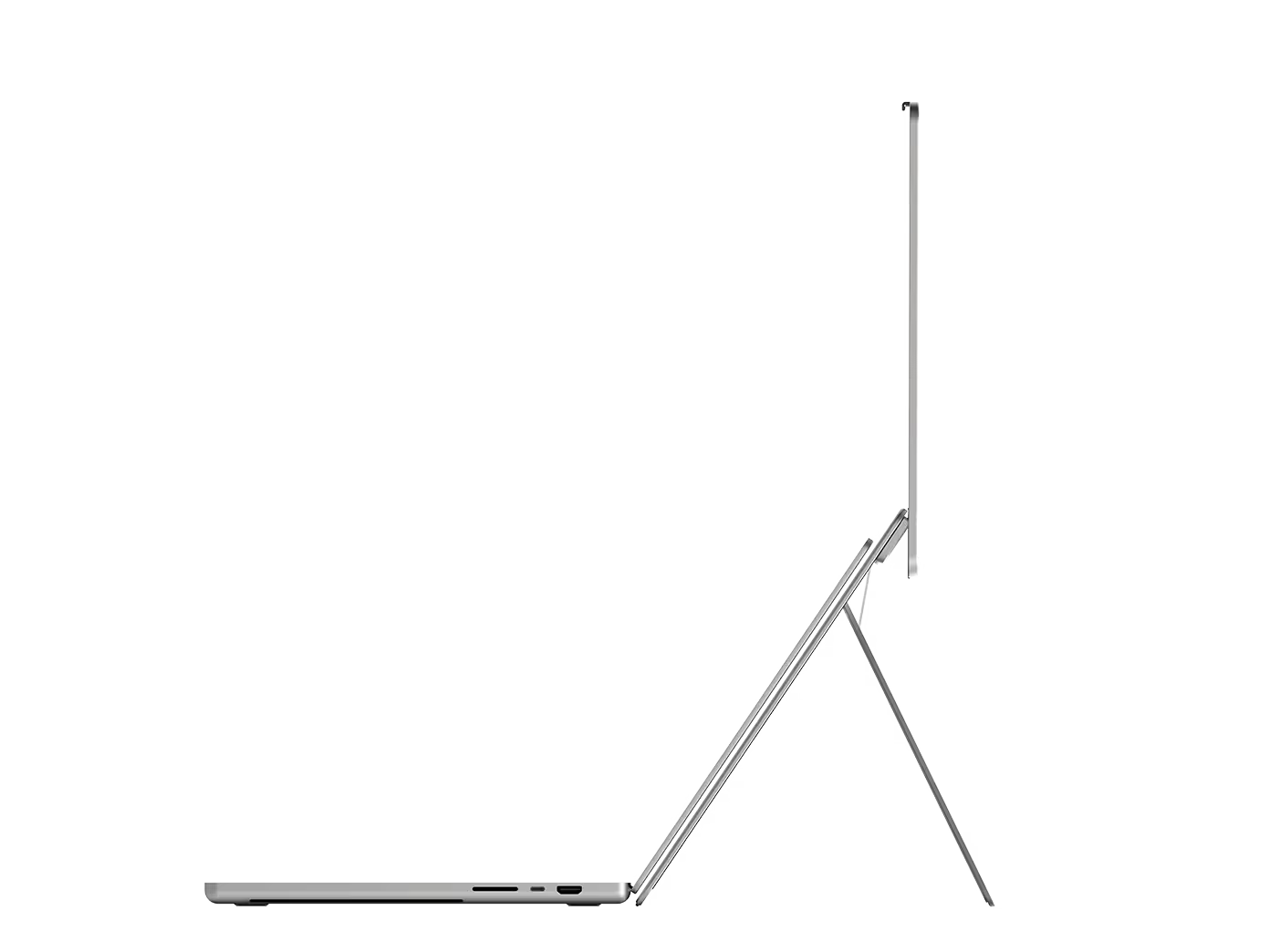
Ultra-thin & lightweight.
Slips into your bag, bring it anywhere.
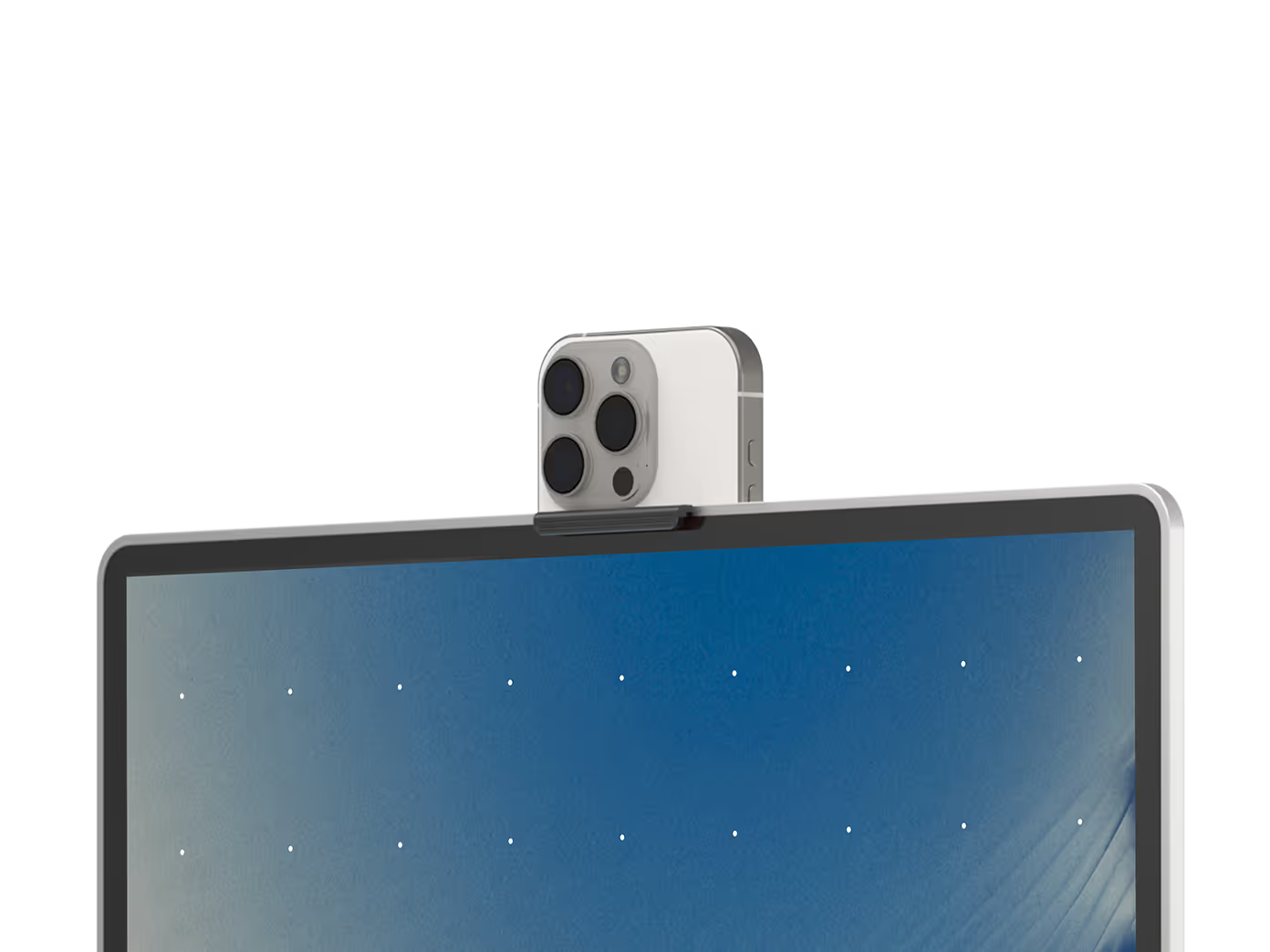
Integrated iPhone mount.
Your best camera, in the best spot.
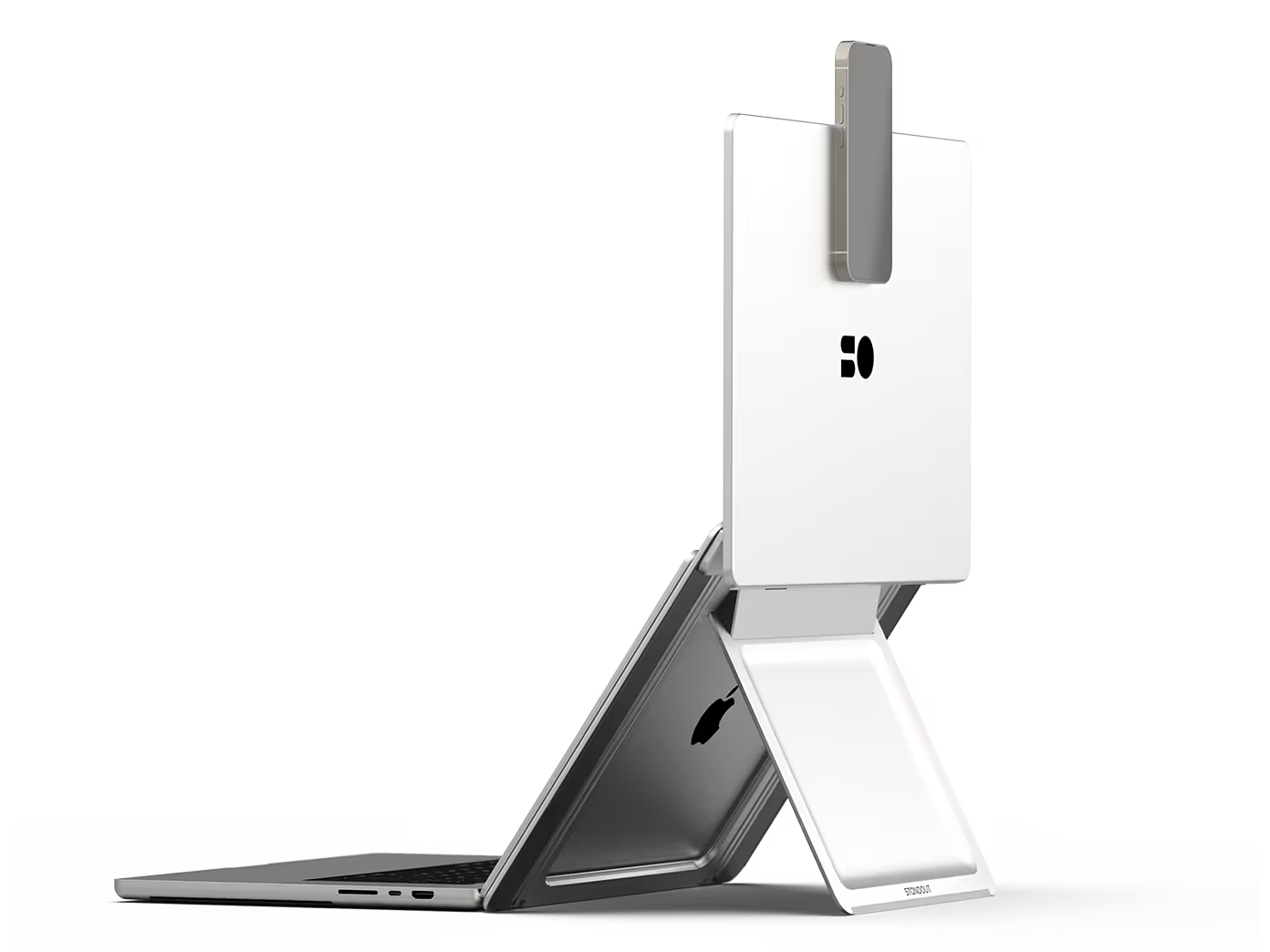
Remote setup complete.
Engineered for Apple users. Universally compatible.
See it in action

Standout Display 16 Nova
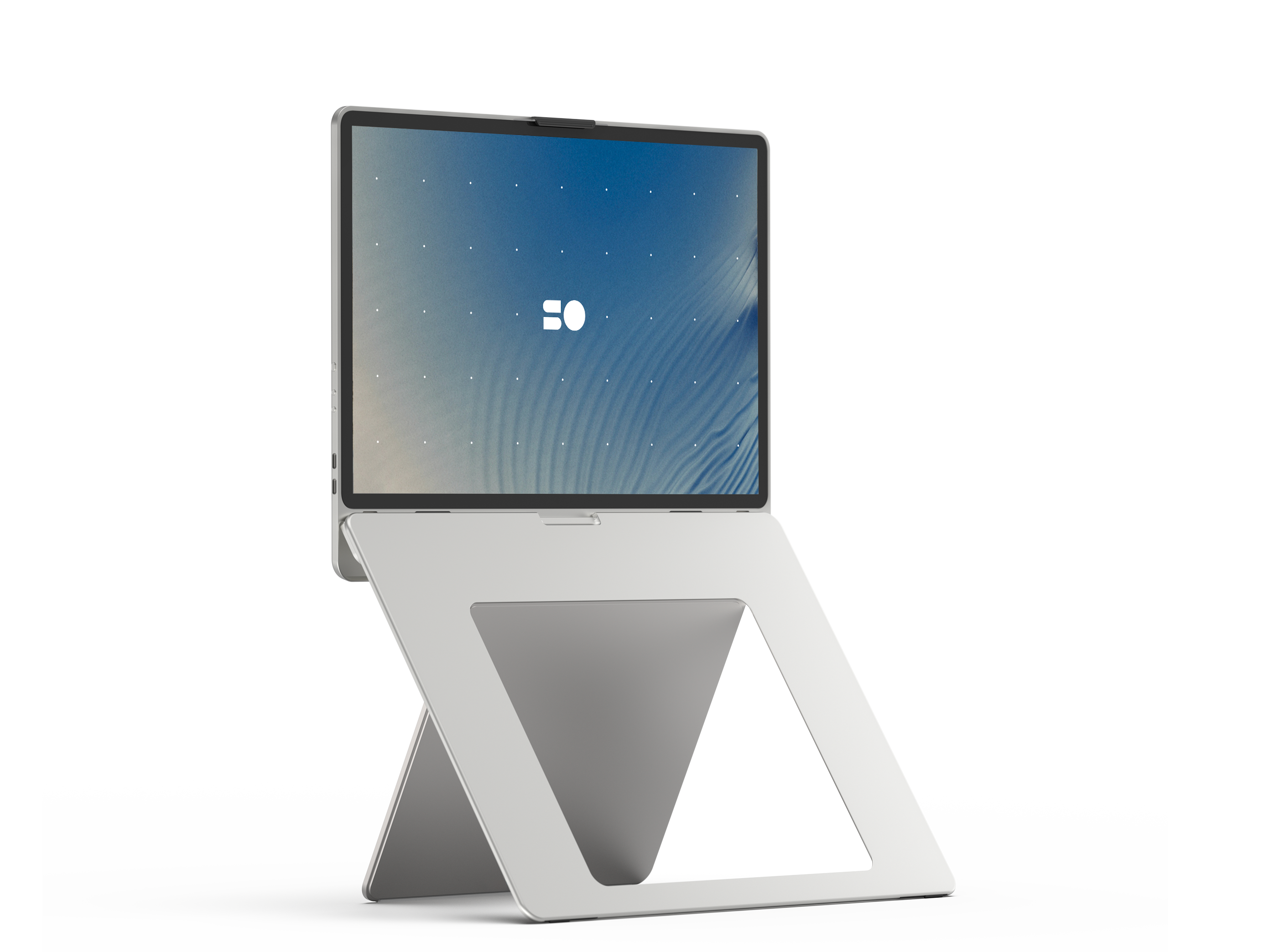
Screen
Panel | 16" Mini-LED
Resolution | 4K
Refresh rate | 120Hz
Brightness | 700 nits
Gamut range | 100% DCI-P3
Color depth | 1.07 billion (10-bit)
Case
Weight | 1.7 kg (3.7 lbs)
Height | 28 cm (11.0″)
Width | 37 cm (14.6″)
Thickness | 1.1 cm (0.4″)
Materials
Tempered glass panel
Precision-milled aluminum body
Features
Instant setup
Travel-proof design
iPhone as webcam
Unmatched display
$1,250
(incl. shipping)

Free worldwide shipping

30-day risk-free trial

2-year warranty





FAQ
newsletter
Stay updated
We’ll keep you in the loop on our next moves.